
Jai Club Slow Loading Fixes for App and Browser Users
Slow loading is often caused by connection, cache, or device issues. This guide gives practical checks to try first.
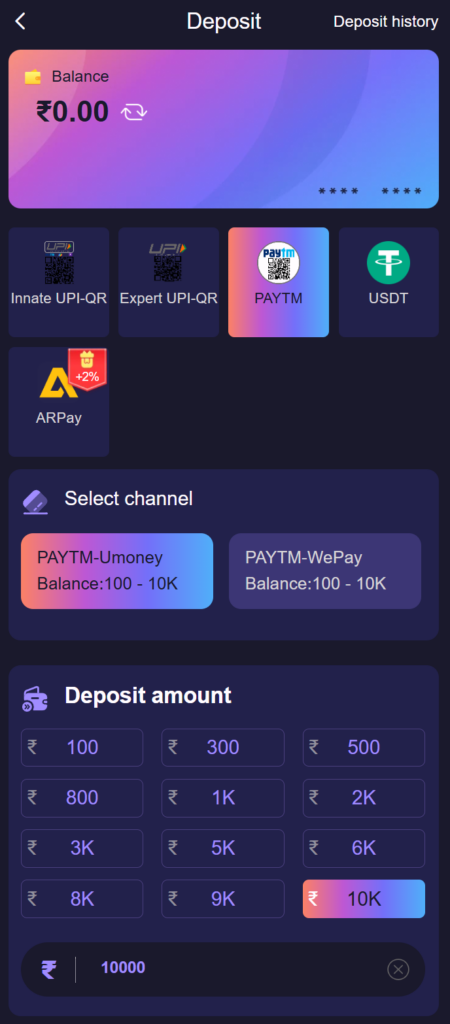
When Jai Club loads slowly, the cause is in one of three places: your connection, your device, or the service itself. The quickest way to fix it is to work out which, because clearing a cache does nothing for a weak signal and restarting a phone does nothing for a busy server. The test below takes one minute.
Open any other website or app. If that is slow too, the problem is your connection. If everything else is fast, try Jai Club in a different browser or on a different network. If it is slow only in one browser or only in the app, the problem is on the device. If it is slow everywhere, wait and try later.
The basic sequence to try first
- Check your internet connection.
- Close and reopen the app or browser tab.
- Clear browser cache if using web access.
- Update the app if a new version exists.
- Restart your device if loading remains slow.
Fixes for the browser
- Clear the data for this one site. In Chrome on Android, tap the padlock or settings icon in the address bar, open Site settings and choose Clear data. This removes stale files without touching other sites. You will need to sign in again.
- Close other tabs. Dozens of open tabs leave little memory for a page with live countdowns.
- Turn off data saver or "lite" modes. They route pages through a compression service that can break live updates.
- Disable ad blockers and VPNs for a test. Both can block or slow the scripts a page needs.
- Update the browser. An outdated browser can fail on pages that work everywhere else.
Fixes for the app
- Force stop and reopen. Settings > Apps > the app > Force stop. This clears a stuck session.
- Clear the cache, not the storage. In the same screen, open Storage and tap Clear cache. Clear storage signs you out and resets the app, so use it only as a last step.
- Update the app. An old build can stall on a screen that has changed. See the app update guide.
- Check free storage. A phone that is nearly full slows every app.
- Turn off battery saver. It limits background activity and can freeze countdowns.
Fixes for the connection
Switch between Wi-Fi and mobile data to see which is the weak one. Turning aeroplane mode on and off for ten seconds makes the phone reconnect to the nearest tower, which often helps after travelling. Evening hours are the busiest on most mobile networks, and a full signal bar does not guarantee speed. If only live video or countdown pages are slow, the connection is the most likely cause, since those pages need a steady stream and not just a fast start.
What to do if a page freezes during a payment or a round
Do not tap the button again and do not start a second payment. Reload the page, then check the record: wallet history for a deposit or withdrawal, your own game record for a selection. If the record exists, the action went through. If it does not, it did not, and you can try once more. Acting on the record instead of on what the frozen screen seemed to show prevents duplicate payments. If the record is unclear, customer care can check it with the reference.
Slow loading checklist
- Avoid weak public Wi-Fi.
- Keep storage available on your phone.
- Do not tap buttons repeatedly while loading.
- Contact support if only your account is affected.
Readers interested in slow-loading fixes often move on to managing app alerts, installing the Jai Club Android app and keeping the APK up to date. Get the current APK from the official download section rather than a file shared in a chat. Go back to the main site whenever you want the full menu.
Frequently Asked Questions
Why is Jai Club not loading on my phone?
The usual causes are a weak connection, stale cached files, an outdated app or browser, or a phone that is low on storage. Test another website first to see whether the connection is the problem.
Will clearing cache delete my Jai Club account?
No. The account is stored on the server. Clearing cache or site data only removes temporary files and may sign you out, after which you sign in again.
The page froze after I paid. Should I pay again?
No. Reload and check wallet history first. If the payment is recorded, wait for it to be credited. If you are unsure, contact customer care with the payment reference.
Does a VPN make Jai Club faster?
Usually not. A VPN adds an extra hop and often makes live pages slower. Turn it off when testing a loading problem.